_1762866128417-DS2_OO1j.png)
Why version control is more than a file name
“SOP_Purchasing_final_v3_new.docx” – every quality team knows file names like this. They show the core problem: versions are created on the side, without a defined process. Nobody can say for sure which version is approved, what changed compared with the previous one and why.
ISO 9001 clause 7.5.3.2 requires control of changes and retention of traceable versions. In regulated industries such as medical devices, you also have to show that changes were assessed and approved by authorised people. Real version control meets these requirements automatically because it allows changes in only one way: through a new, reviewed version.
How versioning works in docxpert
- 1
Create a new version
The starting point is always the currently approved version. The new version automatically receives the next version number and starts as a draft.
- 2
Make the changes
You edit the content in the editor or upload a new file. Comments and suggestions from colleagues can be accepted or rejected directly.
- 3
Record the change reason
Before submitting, you describe why the document changed. On request, AI drafts a summary of the changes as a suggestion.
- 4
Review and approve
The new version goes through the approval workflow. It only becomes effective once approved.
- 5
Archive the previous revision
The previous version is archived automatically. It stays readable as evidence but is clearly marked as superseded.
Features at a glance
Standards reference
| Standard | Requirement | Implementation |
|---|---|---|
| ISO 9001:2015, 7.5.3.2 | Control of changes, retention and disposition | Versions with change reason, approval and archive |
| ISO 13485:2016, 4.2.4 | Changes are reviewed and approved by the original approving function or a designated function | Approval rules per document type, log of approvers |
| ISO 13485:2016, 4.2.4 | Prevent use of obsolete documents and define retention | Automatic archiving, marked as superseded |
| ISO/IEC 27001:2022, 7.5.3 | Control of changes to documented information | Version history and audit trail |
| EU GMP Annex 11 | Traceability of changes in computerised systems | Audit trail with person, time and reason |
When a new version is needed – and when it is not
Not every typo fix justifies a full approval cycle, but every change in content of a controlled document needs a new version. A simple rule works well: if what someone should do, how they should do it or who is responsible changes, you create a new, approved version. Typical triggers are:
- Results of audits, deviations or corrective actions
- Changed standards, laws or customer requirements
- New machines, materials, software or suppliers
- Organisational changes such as new roles or departments
- A periodic review in the review cycle, even if nothing changes in content
Common versioning mistakes
- Changing the approved document “on the fly” – without a new version and without review.
- No change reason – in the audit nobody can explain why something was changed.
- Old versions are deleted – so there is no evidence of the rules people previously worked to.
- The people affected are not told – the new version is effective, but work continues according to the old one.
docxpert prevents these mistakes by design: approved versions are read-only, the change reason is part of the submission, previous revisions are archived instead of deleted and distribution to the people affected can be linked directly to the approval.
Example: changing an inspection instruction after a complaint
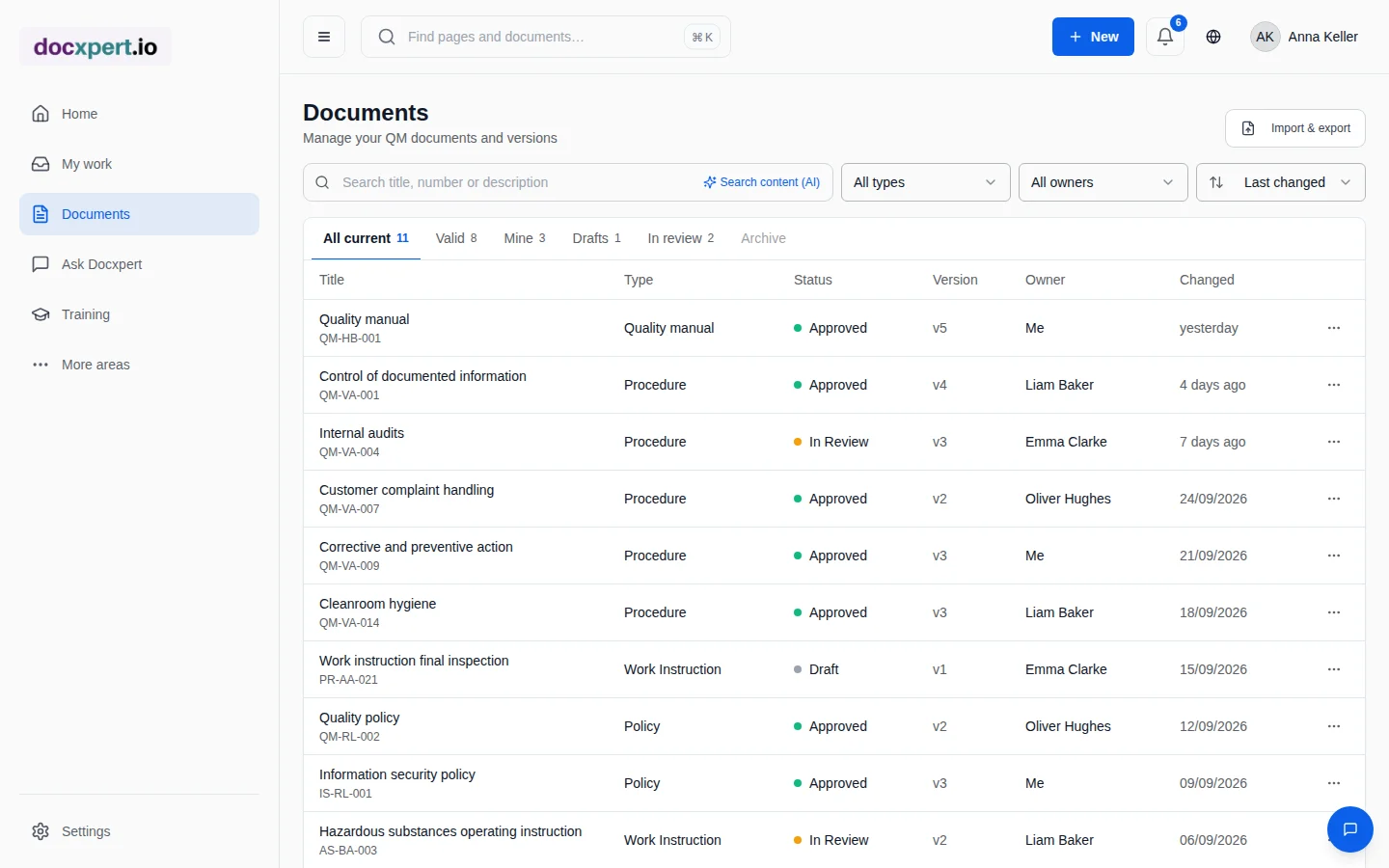
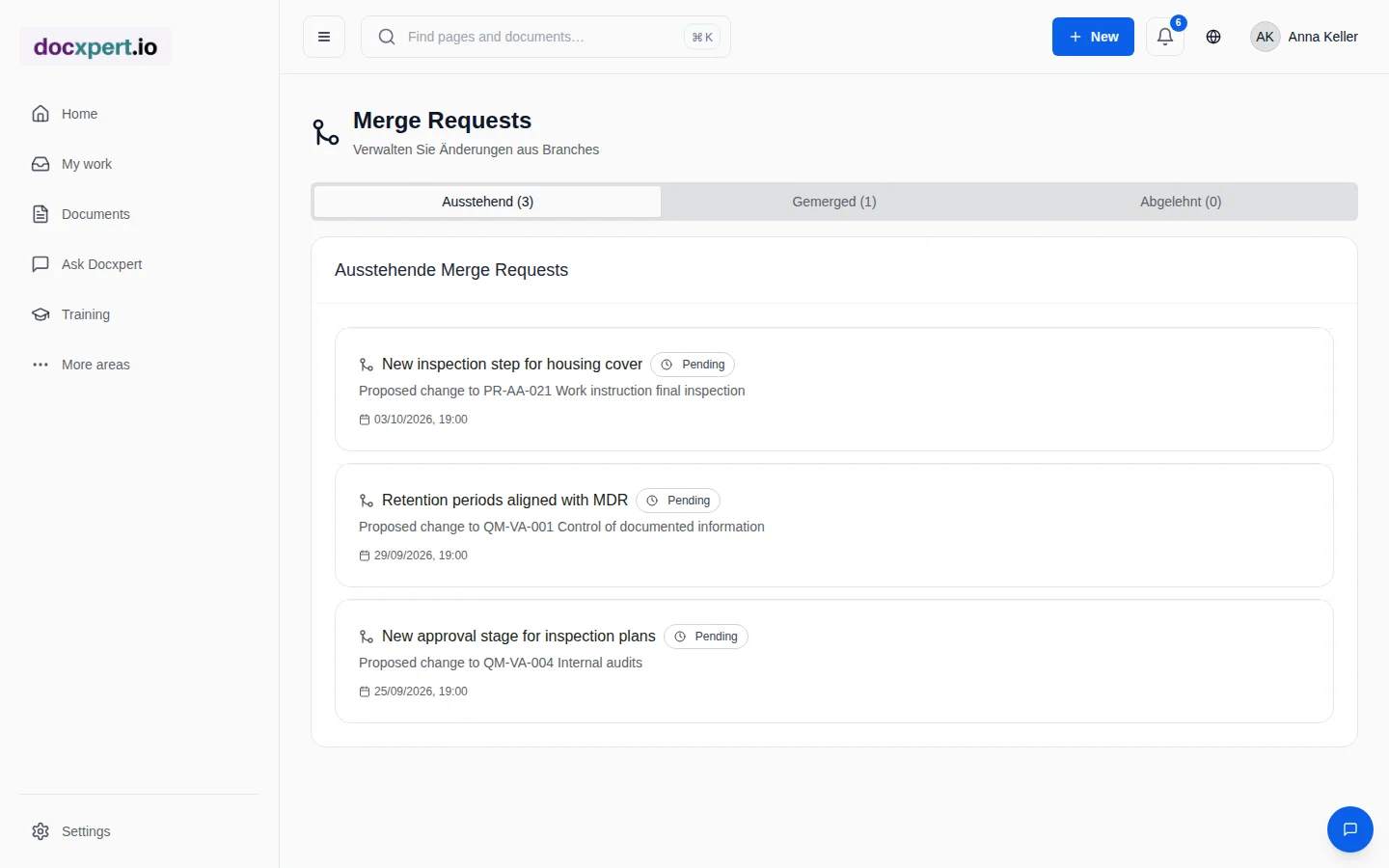
After a customer complaint, final inspection needs an additional check. The quality engineer creates a new version of the inspection instruction, adds the step and references the related CAPA in the change reason. The production manager reviews the change in the word-level comparison, and the quality manager approves it.
On approval, the old version is archived, controlled printouts of the previous version lose their validity and all final inspection staff receive a read confirmation with a deadline. In the next audit, the version history shows the complete path from complaint to implemented change.
Frequently asked questions
How are versions numbered?
Each new version automatically receives the next whole version number. Drafts only become the effective version on approval.
Can I compare any two versions?
Yes. The comparison shows added and removed text side by side at word level.
Are old versions deleted?
No. Older versions are archived and remain readable as evidence. Approved documents cannot be hard-deleted.
What happens to printouts of the old version?
Controlled copies are tied to a version. When a new version becomes effective or the document is withdrawn, the QR code check shows the copy as invalid.
How do I inform employees about a new version?
On approval you can send read confirmations to people or whole departments, each with a deadline. If the document is the basis of a training, docxpert automatically schedules retraining on the new version.
Does AI make changes on its own?
No. On request, AI drafts a summary of the changes as a suggestion. Content and approval stay with the responsible people.