_1762866128417-DS2_OO1j.png)
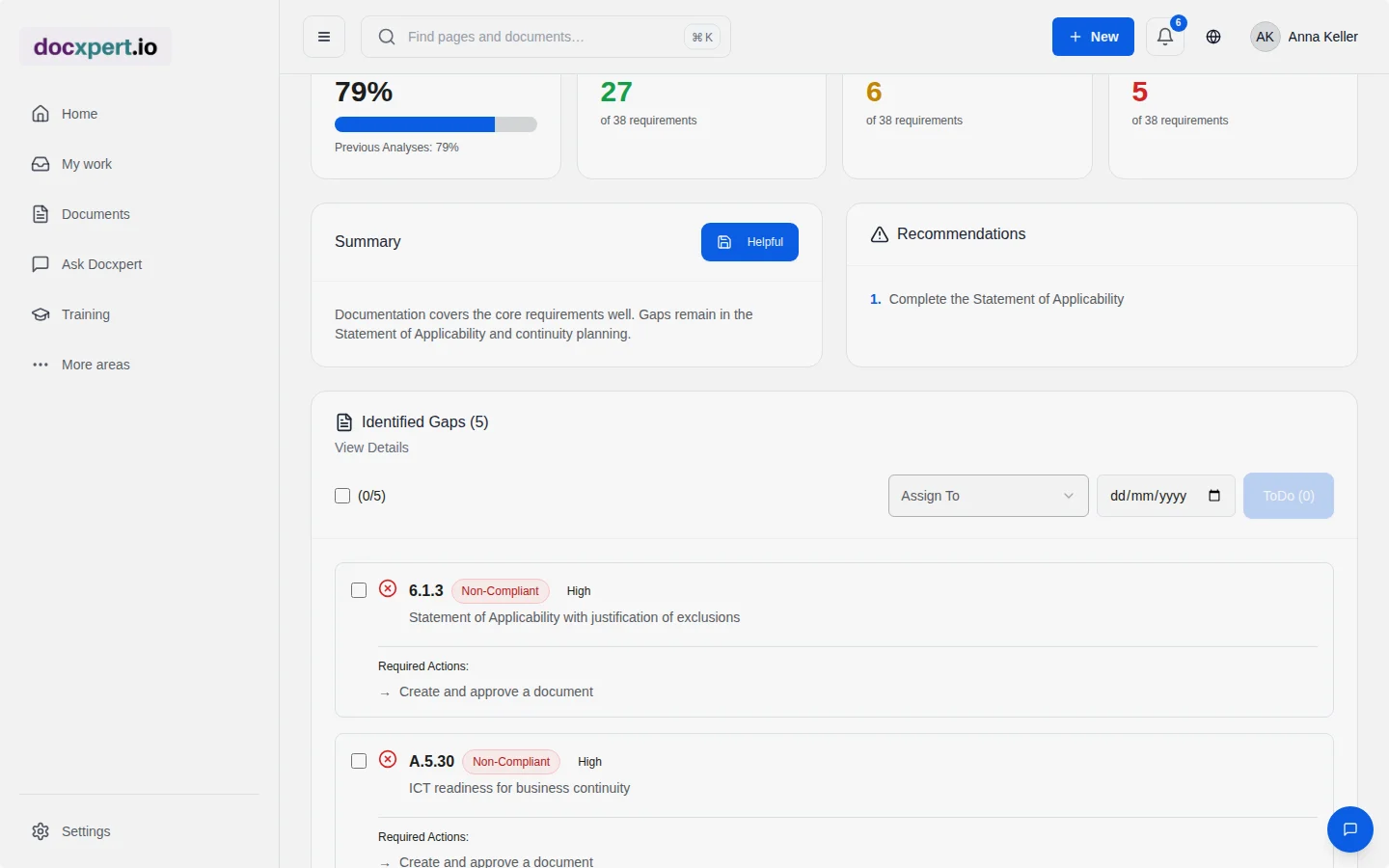
Why documents get stuck in approval
A typical approval round: the author submits a procedure, the reviewer notes missing responsibilities, the quality manager misses the reference to record retention. Two loops later the document is approved – and two weeks have passed.
Many of these comments are predictable because they follow from the standard's requirements. If authors see what is missing while writing, review becomes confirmation rather than error-hunting. That is what the compliance check delivers.
Two checks, one goal
How to use the compliance check
- 1
Assign standards
A document is assigned to one or more standards, for example ISO 9001 and ISO 14001. AI can suggest clauses; they are only applied after confirmation.
- 2
Run the check
Start the check on the draft. The result shows covered and missing requirements with hints on what to add.
- 3
Complete
You add missing content or justify why a requirement is covered in another document.
- 4
Check consistency
Before larger revisions, check related documents together for contradictions.
- 5
Approval
The document goes into the approval workflow more complete; reviewers see the compliance summary.
Typical findings
| Finding | Example | Action |
|---|---|---|
| Missing responsibility | The procedure describes steps, but not who performs them. | Add roles per step |
| Missing record | An inspection is required, but no evidence is defined. | Name the record and its retention period |
| Missing evaluation step | Actions are implemented, but effectiveness is not checked. | Add an effectiveness check with a criterion |
| Contradiction between documents | Document control procedure: 10 years retention; final inspection instruction: 5 years. | Align the period and define which document leads |
| Inconsistent terms | “Complaint”, “grievance” and “customer report” for the same process. | Agree one term and use it in all documents |
Example: a procedure for two standards
A company certified to ISO 9001 and ISO 14001 revises its supplier evaluation procedure, which should now include environmental criteria. The compliance check shows that the requirements of ISO 9001 clause 8.4 are fully addressed, while ISO 14001 aspects are missing: considering environmental aspects in procurement (8.1) and communicating relevant environmental requirements to external providers.
The author adds two sections. The consistency check against the purchasing handbook also finds a different period for the annual evaluation – 12 instead of 18 months. Both are corrected before submission. The reviewer confirms the version without further questions, and approval happens the same day.
Standards reference
The compliance check supports the requirement of ISO 9001 clause 7.5.2 to review documented information for suitability and adequacy before approval. It does not replace this review, but makes it more thorough and faster. For standards with many detailed requirements – such as ISO 13485, ISO 27001 or IATF 16949 – the time saved is particularly large.
While the compliance check looks at individual documents, the gap analysis assesses your whole management system. Both use the same standard requirements and the same certification scope.
What the check does – and what it does not
- It checks whether requirements are addressed in the text. Whether the described processes are lived only shows in an internal audit.
- It does not make a final technical judgement. Whether a deadline is appropriate is your decision.
- It is an AI result with uncertainty. That is why findings are confirmed or rejected, never applied automatically.
Benefits at a glance
- Fewer approval loops, because predictable gaps are closed beforehand.
- More consistent documents through detected contradictions and terms.
- Better audit preparation, because the standard reference is documented per document.
- New authors learn faster what a good procedure contains.
Frequently asked questions
Does the compliance check use credits?
Yes, AI checks use credits from your allowance. You see the cost before starting the check.
Are confirmed results reused?
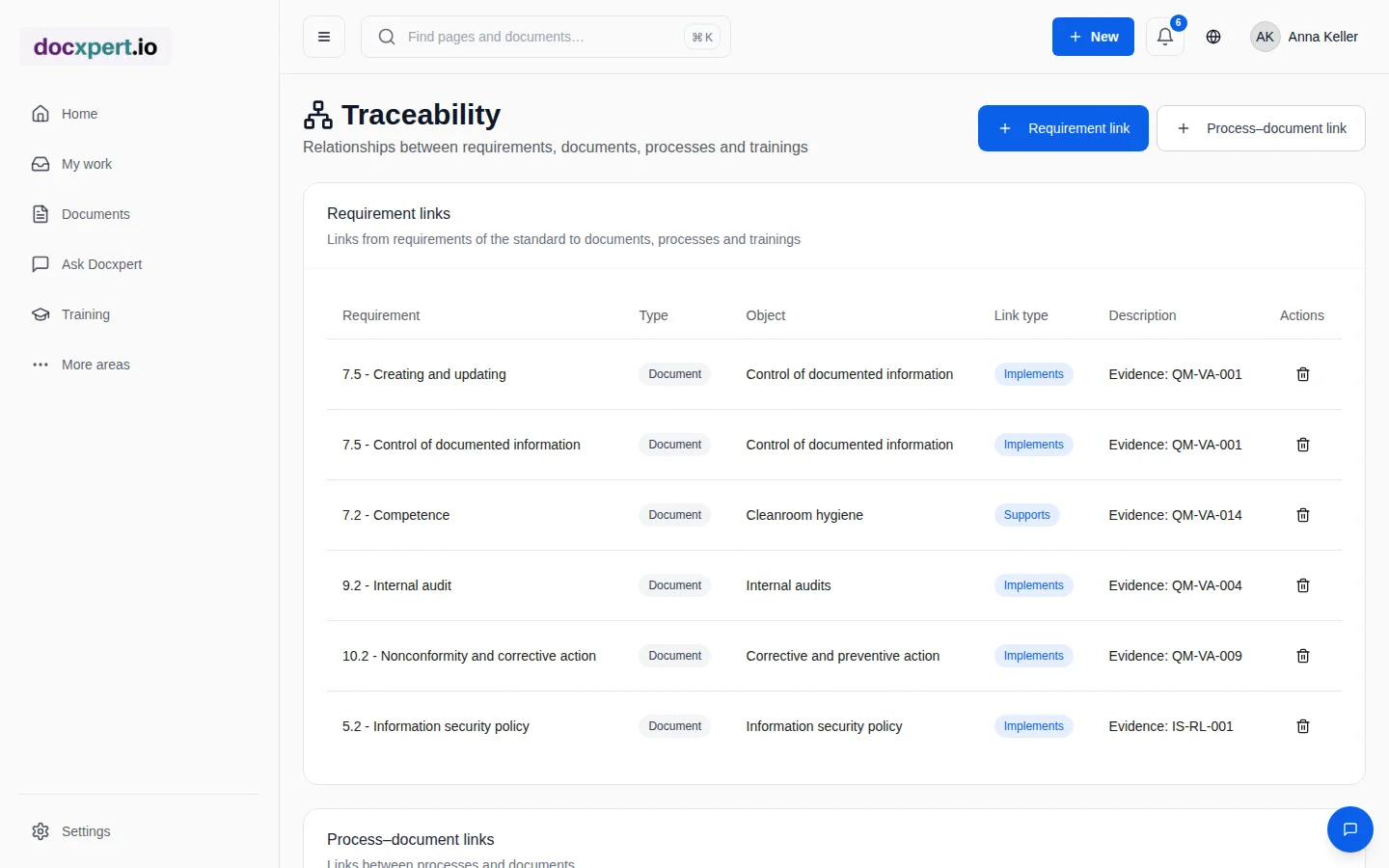
Confirmed mappings between requirement and document can be recorded in traceability and help in later gap analyses and audits.
Does AI check documents automatically on every change?
You start the check deliberately so that you control cost and timing. Results are suggestions that are confirmed or rejected.
Which standards can I check against?
Against the standards active in your workspace, including ISO 9001, ISO 13485, ISO 14001, ISO 45001, ISO 27001, ISO 42001 and IATF 16949.
What is the difference to the gap analysis?
The compliance check looks at one document; the gap analysis assesses the whole management system against a standard.
Does the consistency check find contradictions across languages?
The check compares content; for documents in different languages, review findings particularly carefully.
Does the check replace the technical reviewer?
No. It prepares the review and makes it more thorough. Responsibility for review and approval stays with the named people.
How should I handle a flagged standard reference in a draft?
Read the flagged passage together with the full requirement reference and the purpose of your document. A flag is a review prompt, not a final judgement: AI may miss a requirement, classify a relevant paragraph differently or flag a rule that does not apply to your scope. Compare the wording with the real process and available evidence. Then decide whether to add content, document a rationale or dismiss the prompt as not applicable. Record that decision in your normal review and approval process and have a competent person confirm it. This turns an automated highlight into a traceable review step rather than an unverified conformity statement.